Browser automation and RPA: fewer repetitive tasks for SMEs
Browser automation and RPA: fewer repetitive tasks for SMEs
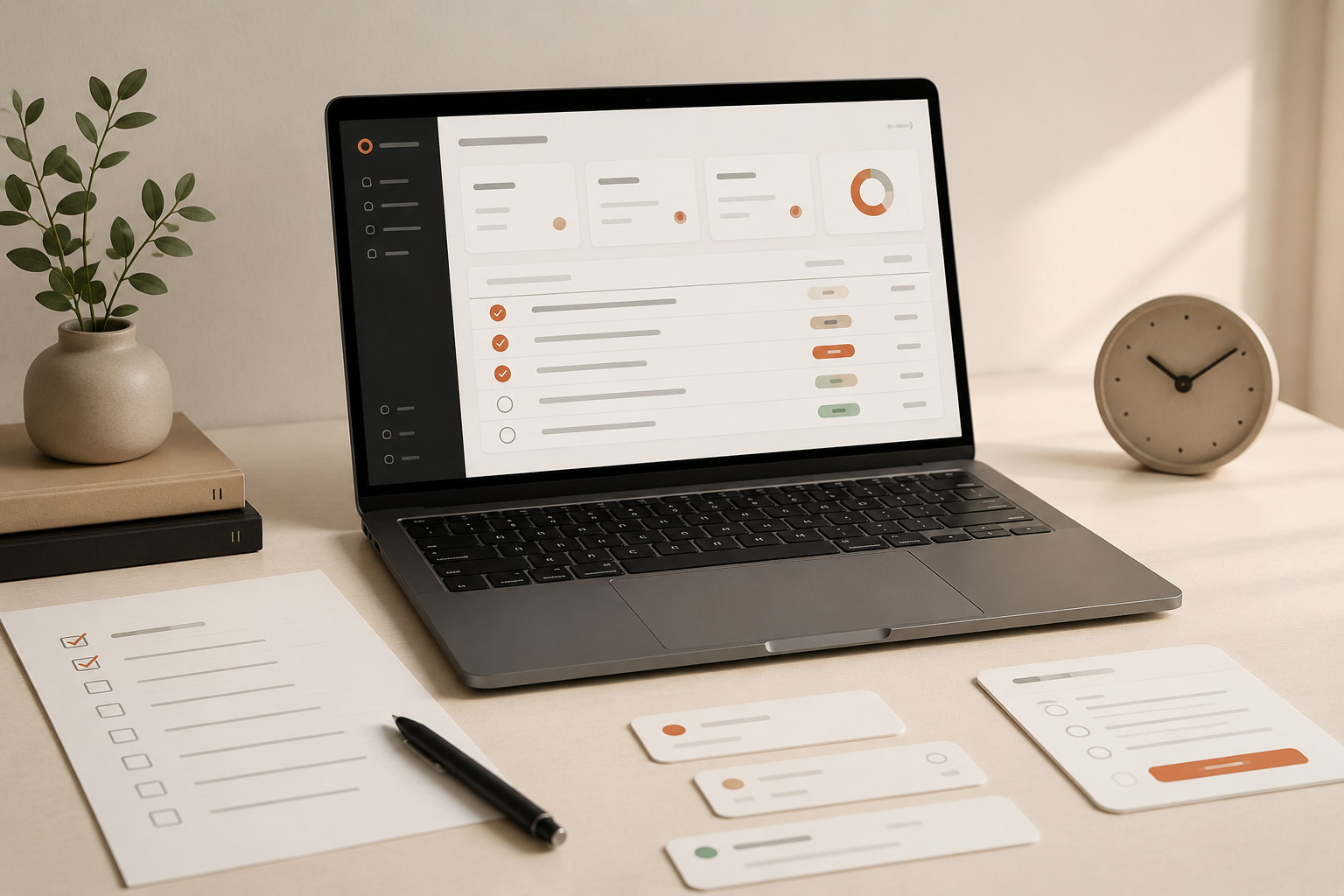
There is a very unglamorous way for digital transformation to fail: the company buys new tools, but the heavy work still happens in spreadsheets, external portals, CRMs, ERPs, back offices, and awkward platforms where someone has to repeat the same operation dozens or hundreds of times.
This happens across almost every sector. Professional services, industry, retail, healthcare, real estate, logistics, tourism, insurance, associations, B2B software. The platform name changes, but the pattern is familiar: copy data from one place, validate fields somewhere else, fill forms, download files, update statuses, generate evidence, and repeat it all next week.
This is where browser automation and RPA can create value long before a company needs an “autonomous agent.”
The problem is not lack of ambition
From the outside, it is easy to say that “everything should be integrated.” In practice, an SME rarely has the luxury of redesigning every system around a clean architecture.
Some external platforms are mandatory. Some vendors do not provide APIs. Some portals only work in the browser. Some information starts in Excel. Teams already have routines. Deadlines, approvals, audits, clients, and sales work are all happening at the same time.
This is not an abstract software problem. It is an operational problem:
- data coming from Excel, email, CRM, ERP, or forms;
- fields that need normalization;
- validations before execution;
- repeated tasks in portals, back offices, or external platforms;
- a need to keep a person in control;
- evidence of what happened at the end.
In this kind of scenario, the right first question is not “how do we add AI here?” The better question is: which part of this process is repetitive, predictable, and structured enough to be assisted by automation?
The approach: assisted automation, not a black box
A good browser automation use case starts before the automatic clicks. It starts by organizing the workflow: importing data, validating fields, identifying exceptions, allowing corrections, and only then executing repetitive tasks in the browser.
That design is intentional. In administrative and commercial processes, automation should not behave as if it always knows everything. It should make the process clearer before touching the final systems.
In practice, this can mean:
- importing data from spreadsheets, exports, or internal systems;
- normalizing names, dates, identifiers, statuses, or values;
- flagging mandatory or inconsistent fields;
- allowing human review before execution;
- opening a browser controlled by automation;
- filling forms, searching records, updating statuses, or downloading files;
- generating logs, summaries, and evidence of what happened.
The result is not magic. It is better than that: predictable administrative work, with less repetition and more control.
Operational safety is product design
In automation, there is a dangerous temptation: measuring quality only by speed. If a task used to take an hour and now takes minutes, it feels like the story is over.
But in real processes, speed without control can simply create mistakes faster.
That is why automation should be assisted when the risk requires it. The team validates. The process becomes more visible. Steps leave a trace. Execution can be monitored. At the end, there are logs, support files, or a summary.
This changes the team’s relationship with automation. Instead of a black box that “does things,” the tool becomes a preparation and execution layer. People still understand what is happening.
That matters especially in SMEs. A solution only works if it fits the daily reality of the people using it. If it requires the team to abandon everything they know, or turns normal exceptions into constant blockers, adoption dies early.
The value is in the minutes that stop repeating
Not every gain needs to show up as a beautiful dashboard in the first month. Sometimes the value is in the minutes that stop repeating, the mistakes that never enter the system, the corrections that happen before execution, and the confidence that the process is documented.
In this kind of use case, automation creates a more stable base for operational work that already exists. Less manual transcription. Fewer fragile steps. More predictability.
There is another less obvious benefit: when a company automates one concrete process well, it starts seeing the surrounding processes more clearly. Where does the data start? Who validates it? Which exceptions appear? Which fields create problems? Which tasks are still too manual?
That is often how a serious AI roadmap begins: not with a broad abstract vision, but with a repeated operational pain.
The lesson for other SMEs
Many companies are trying to jump straight to autonomous agents, copilots, and tools with impressive names. Some do need that. Many, however, still have huge gains available through simpler, more controlled automation closer to the operation.
If your company has someone repeating the same steps every week across Excel, CRM, ERP, external portals, back offices, or supplier platforms, it is worth mapping that process before buying more software.
Useful questions to start:
- Which tasks are repeated almost always in the same way?
- Where does the team still copy and paste data between systems?
- Which mistakes appear through fatigue or distraction?
- Which validations must happen before execution?
- What evidence is needed at the end?
- Which parts must remain under human control?
The right automation respects the existing process before trying to replace it. And when it is well designed, it does not remove the team from the loop. It removes repetition, increases clarity, and leaves people with more energy for the decisions that still need them.
If you want to identify repetitive processes in your company before buying more software, that is exactly the kind of work I do in my services.